Notion Life OS v2.0 Review (2025): A Deep Look at a Popular Notion Life Planner for Focus and Productivity
By Irma Hot · 18 June 2025
Feeling overwhelmed trying to manage tasks, routines, ideas, and personal goals all at once?
You’re not alone. Many people turn to Notion hoping it will bring clarity—only to feel lost in blank pages or overly complex systems.
Notion Life OS v2.0 is one of the most talked-about solutions to this problem.
Built entirely inside Notion, it aims to function as a personal operating system—bringing structure, visibility, and calm to everyday life.
This article is a researched, transparent review of Notion Life OS v2.0, based on its structure, official documentation, and public user feedback.
What Is Notion Life OS v2.0?
Notion Life OS v2.0 is a comprehensive Notion template created by productivity expert Severin Schütz.
Rather than focusing on a single area like tasks or habits, it brings together multiple life domains into one interconnected dashboard.
It’s designed for people who want one place to manage:
- Projects and tasks
- Long-term goals
- Habits and routines
- Journaling and reflections
- Wellness tracking
- Finances and planning
The idea is simple: fewer apps, less mental clutter, and more intentional focus.
Key Benefits of Notion Life OS v2.0
1. All-in-One Personal Operating System
Instead of jumping between to-do apps, notes, and trackers, Notion Life OS v2.0 centralizes everything inside Notion.
This unified structure can reduce friction and decision fatigue—especially for people who feel overwhelmed by scattered tools.
2. Visual Structure That Supports Focus
Progress bars, filtered views, tags, and calendar layouts help information feel lighter and easier to process at a glance.
The system supports clarity without forcing rigid productivity rules.
3. Highly Customizable
Because it’s built in Notion, Life OS v2.0 can adapt to different lifestyles and workflows.
- Students managing studies and personal goals
- Entrepreneurs juggling multiple projects
- Creators balancing work, life, and creative energy
You can simplify it or expand it depending on how much structure you want.
4. Designed to Reduce Mental Load
By externalizing plans, responsibilities, and ideas into one system, Life OS v2.0 helps free up mental space.
For many users, this translates into less stress and more room for focused, meaningful work.
Who Is Notion Life OS v2.0 Best For?
Notion Life OS v2.0 may be a good fit if you:
- Already enjoy using Notion
- Want a single dashboard for both life and work
- Prefer systems that combine productivity with reflection
- Feel overwhelmed by disconnected tools
It may not be ideal if you:
- Prefer very minimal task lists
- Don’t enjoy learning or customizing systems
- Want a completely hands-off productivity app
How Notion Life OS v2.0 Compares to Simple Notion Setups
Many people start with Notion using simple task lists or notes.
Over time, these often become cluttered or disconnected.
Life OS v2.0 offers a pre-connected structure where goals link to projects, projects link to tasks, and habits and reflections live alongside execution.
This is especially helpful for people who want both productivity and personal clarity without building everything from scratch.
What a Notion Life OS–Style Planner Looks Like
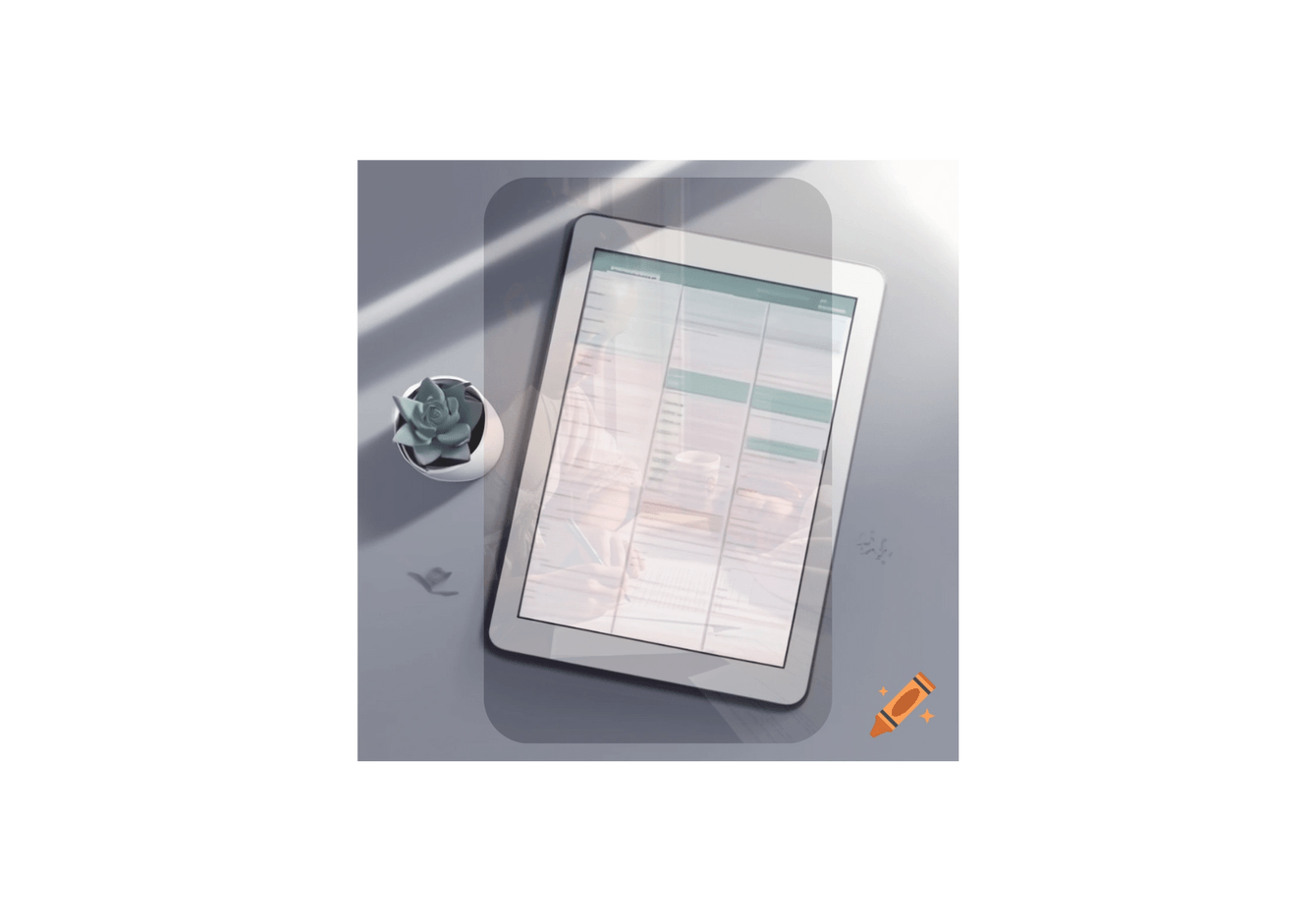
Conceptual AI-generated illustration inspired by the Notion Life OS digital planner idea.
Is Notion Life OS v2.0 Worth Exploring?
While I haven’t fully implemented Notion Life OS v2.0 in my own workflow, its thoughtful structure and strong reception suggest it can be a valuable system.
If you’re looking for one place to hold projects, goals, and everyday life—rather than chasing productivity hacks—it’s worth exploring.